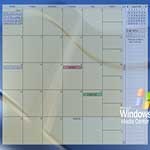
 Outlook on the Desktop is a neat little utility that embeds a fully functional transparent Outlook calendar on your desktop. You can easily view your appointments on your desktop and since it is a functional Outlook calendar, you can interact with it.
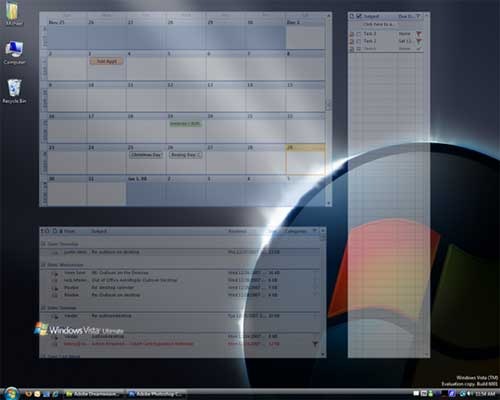
You can also have multiple Microsoft Outlook panes pinned to your desktop such as Contacts, Inbox, Notes and Tasks.
Features
- Places fully functional Microsoft Outlook Calendar on your Desktop.
- The Outlook Calendar is pinned to your desktop so that no windows can get stuck behind it.
- The Calendar’s position, size and opacity are all adjustable via a very intuitive GUI.
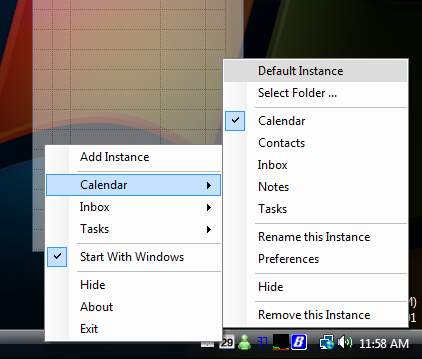
- A tray Icon (complete with the day of the month) is provided to to configure the app and perform other actions.
- Multiple-Monitor Support.
- Ability to switch between calendar, inbox, contacts, tasks and notes views.
Multiple Outlook Items
Context Menu
The program requires Windows XP or higher, Microsoft Outlook 2000 or higher and the Microsoft .NET Framework 3.5
For more information and to download, visit the Outlook on the Desktop web site.